Xbox Wireless Controller Review: The Default Pad That Still Wins by Being Boring
At $64.99 the standard Xbox pad runs on AA batteries, pairs with Windows over Bluetooth and costs less than half of an Elite. We look at what it does well, where it is dated, and who should buy something else.
The verdict
Still the safest controller to buy for an Xbox or a Windows PC: it works with almost everything, fits most hands and costs $64.99, often less on sale. It uses ordinary potentiometer sticks and AA batteries, so it is not the pad for tournament players or anyone who hates swapping cells. For most people it is the right answer.
Best forXbox and PC players who want a pad that just works
What we liked
- Works with Xbox consoles, Windows 10 and 11, Android and iOS
- Textured triggers and grips, with a hybrid D-pad that fits most hands
- Rated up to 40 hours on a pair of AA batteries, and swapping them takes seconds
- Share button and a 3.5mm headset jack, both missing on many rivals
- Often on sale below its $64.99 list price
What we did not
- Standard analog sticks, not Hall effect, so drift is a long-term risk
- Batteries are AA, and a rechargeable pack costs extra
- Button mapping needs the Xbox Accessories app and a USB-C cable
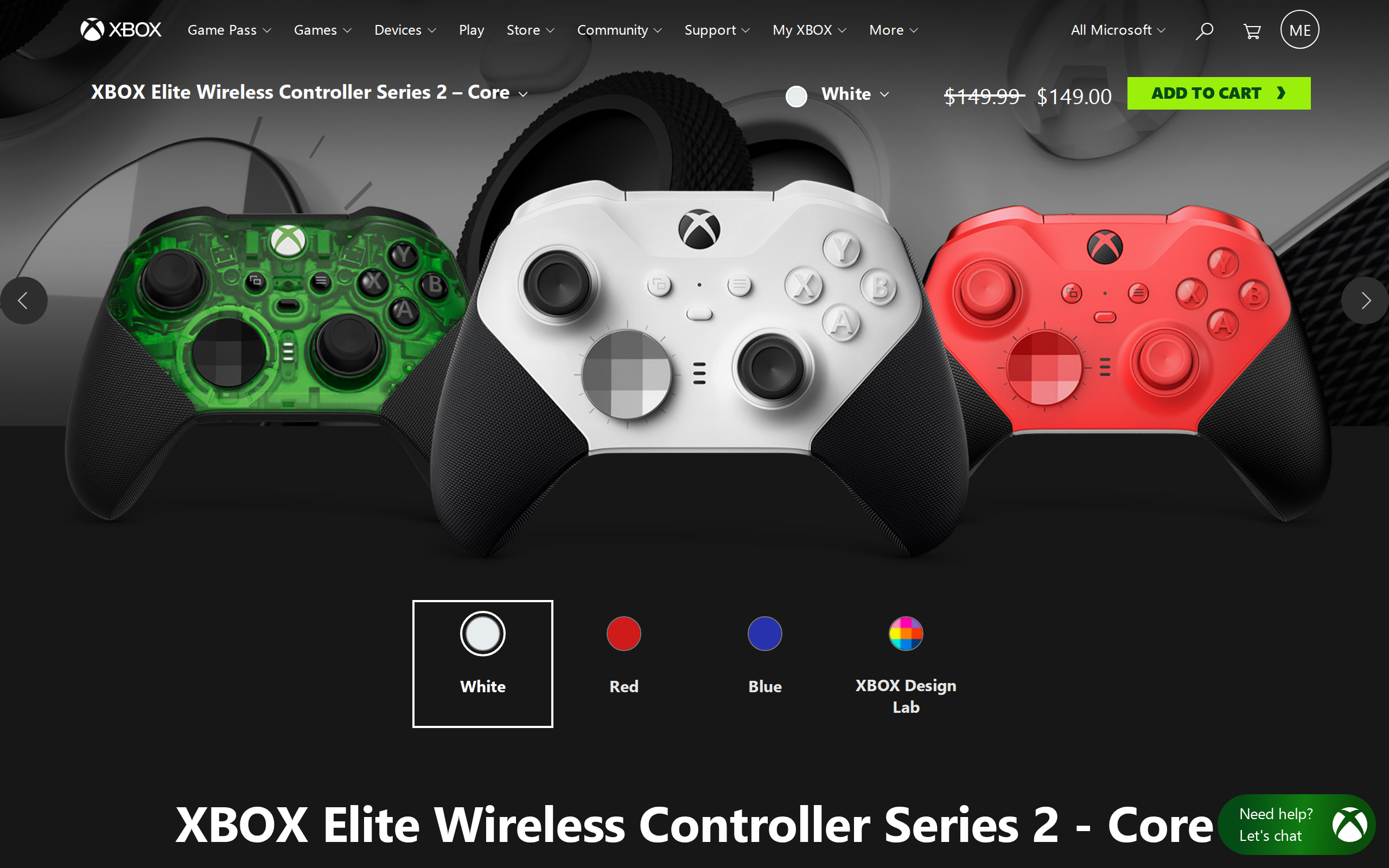
- No back paddles or trigger stops, which the $149.99 Elite Core adds
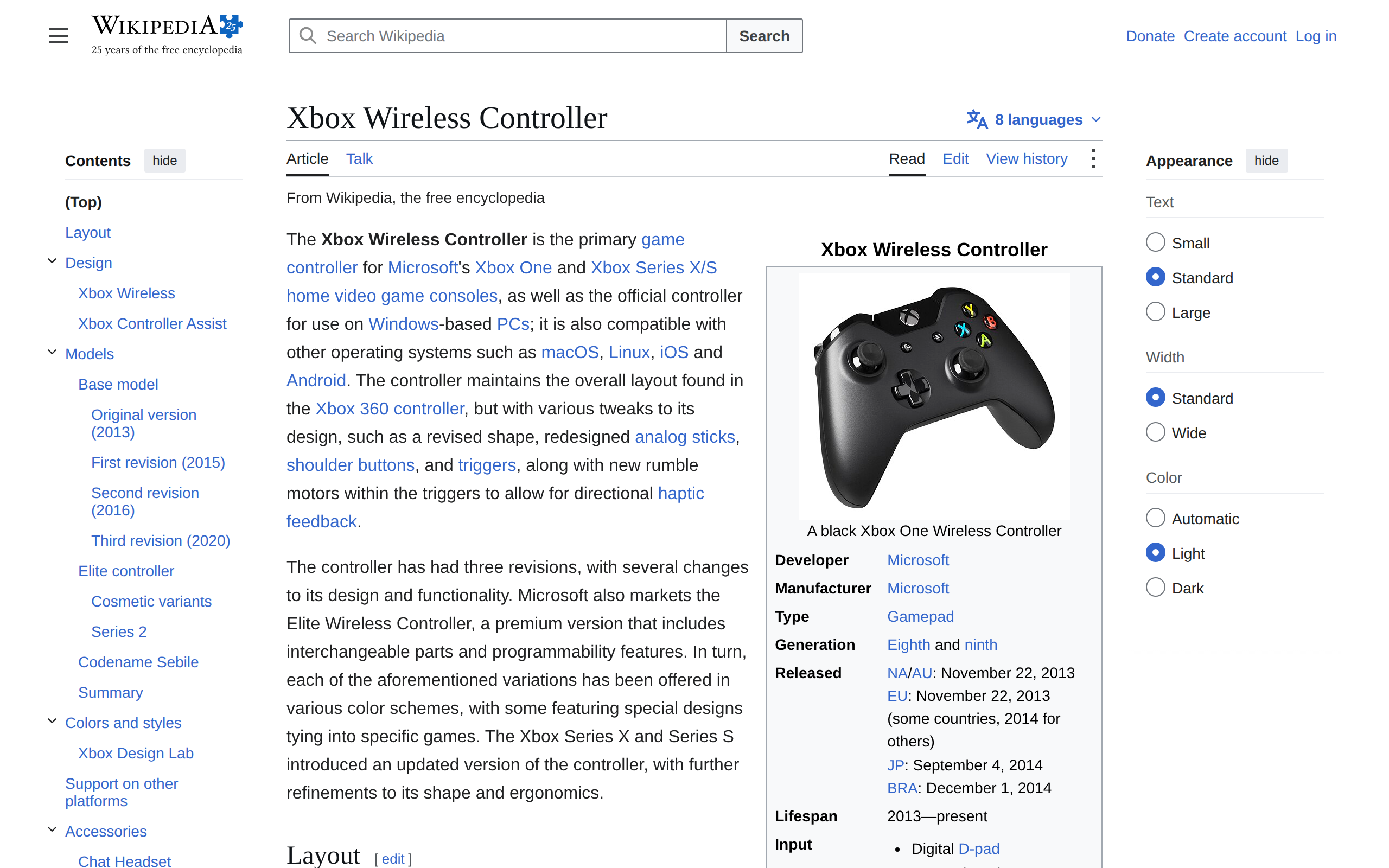
Most controller reviews start with what is new. This one has to start with what is not. The standard Xbox pad has barely moved in years, and that is exactly why we keep recommending it to people who ask "which one should I get?" and do not want a lecture.
The short version: if you play on an Xbox or a Windows PC and you have no special needs, buy this and stop shopping.
What you get for $64.99
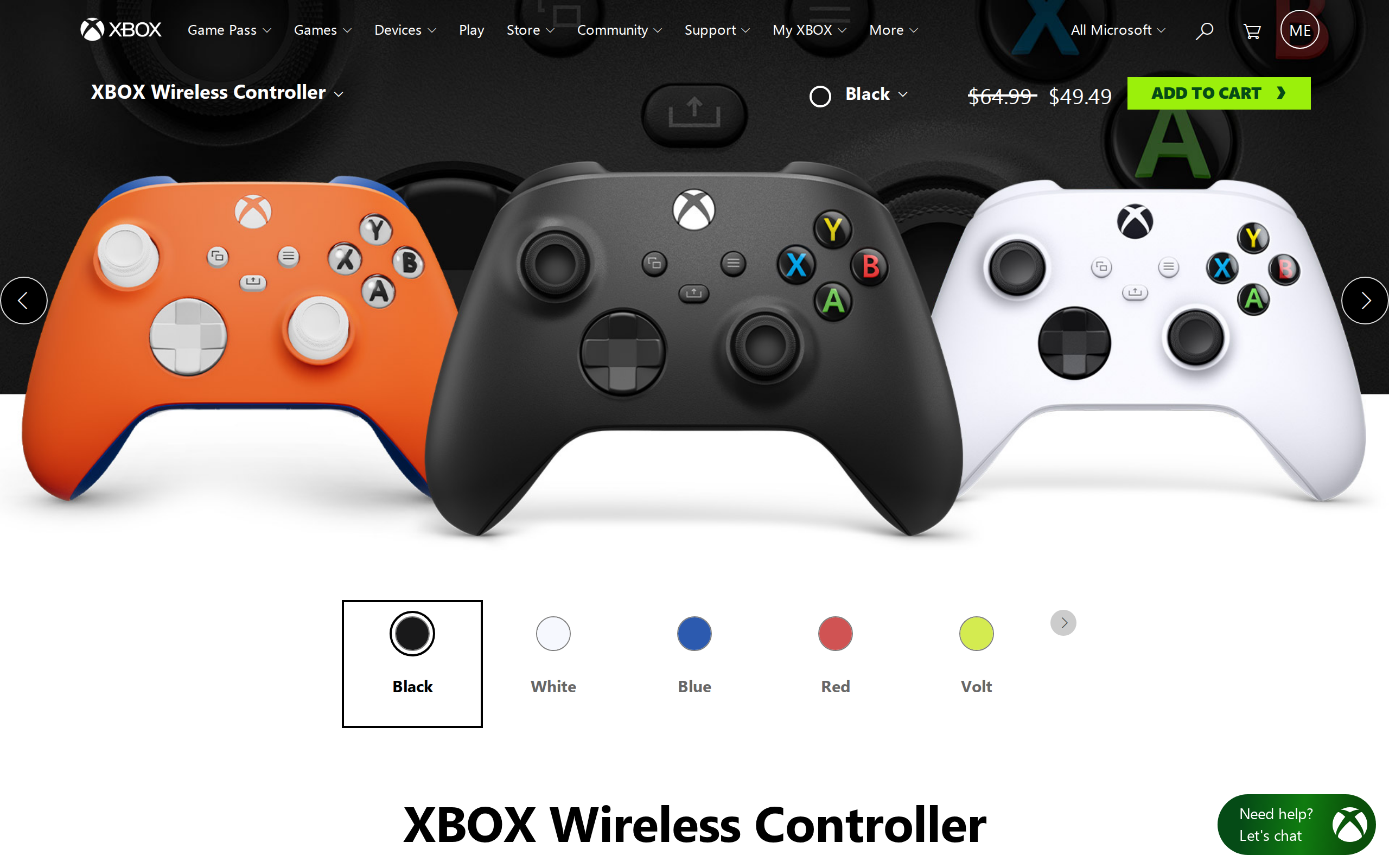
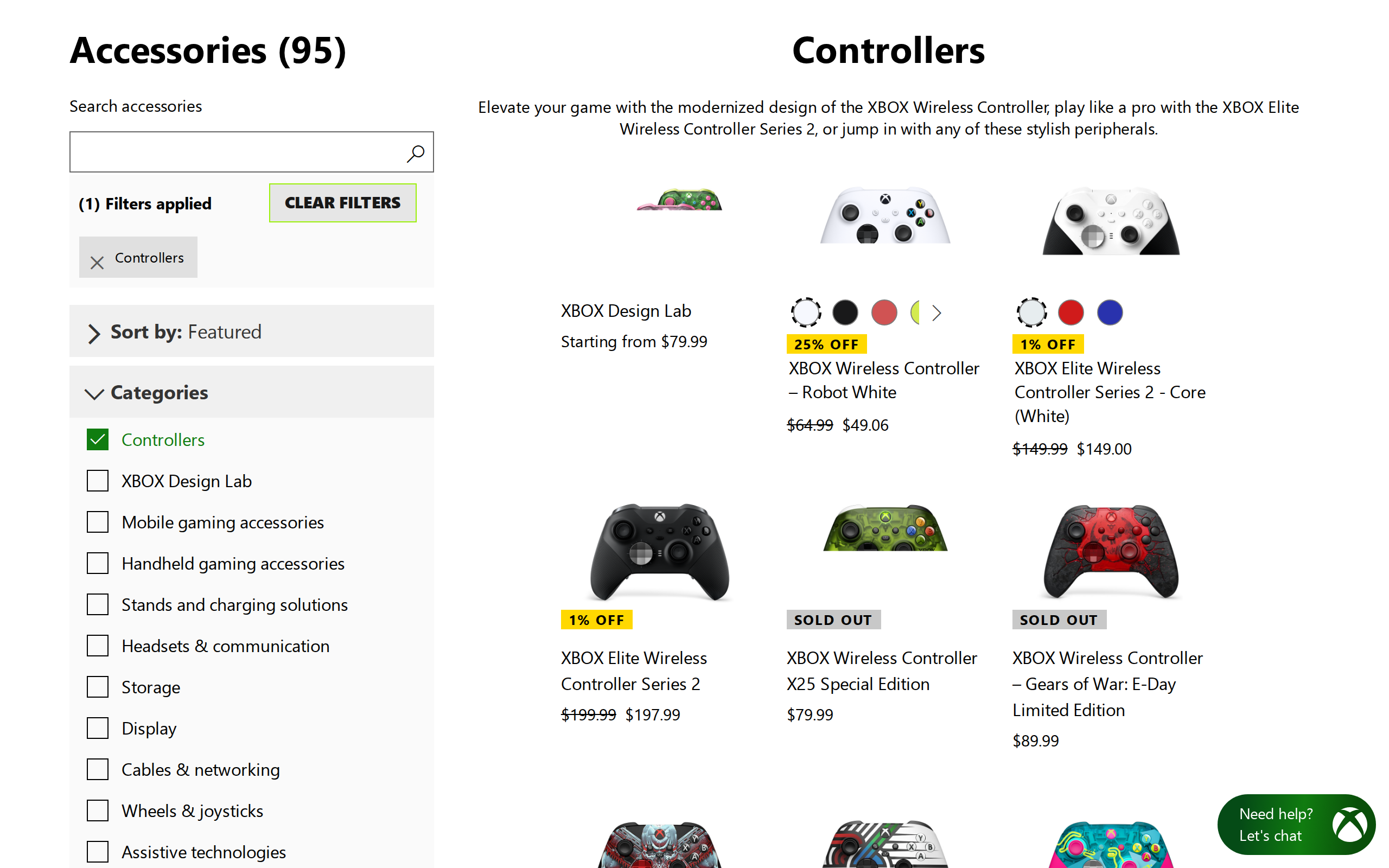
The list price is $64.99, and Microsoft's store regularly marks it down. On the page we captured, the standard pad was shown at roughly $49 against a $64.99 strike-through. Compare that with the Elite Series 2 further down the same page, where the shown price is just under $200.
For that money the controller gets a textured grip, textured triggers and bumpers, a hybrid D-pad, a Share button for clips and screenshots, and a 3.5mm headset jack. The jack is the detail people forget until they need it. It is cheap for a maker to leave off, so it is worth checking on any rival.
Setting it up on a PC
Microsoft's page lists Bluetooth for Windows 10 and 11, Android and iOS, and Xbox Wireless for consoles. Pairing over Bluetooth is a one-time job in Windows settings, and after that the pad reconnects when you press the Xbox button.
One thing to know: Bluetooth adds a little latency compared with the Xbox Wireless adapter, which is sold separately. One test site puts the Bluetooth overhead at roughly 10 to 15 milliseconds. That will not matter in a platformer, and you will not spot it in a racing game. Fighting-game and rhythm players who care about frames should plug in a USB-C cable or buy the adapter.
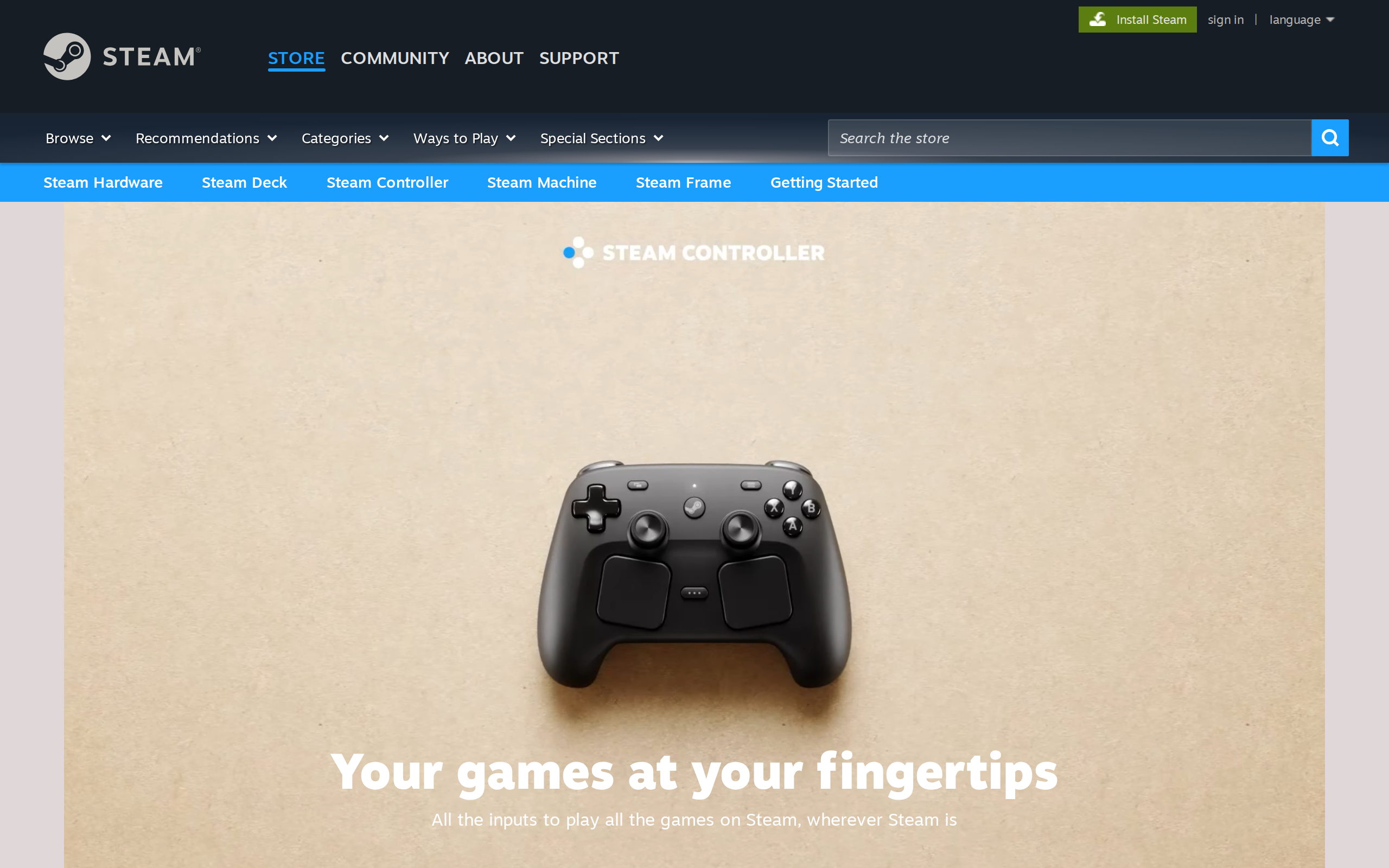
Most PC games, including Steam titles, treat it as the reference pad. Button prompts show up as Xbox glyphs without any configuration, which is a bigger advantage than any spec.
The AA battery question
Microsoft rates the controller at up to 40 hours on two AA batteries, and the exact number varies with how much rumble you use. We read that as "weeks of normal play" rather than a promise.
AA batteries divide people. If you hate charging, you will love them: you swap two cells in seconds and keep playing, even in the middle of a long session. If you dislike buying batteries, a rechargeable pack or a play-and-charge kit is the usual answer, but that is extra cost on top of the sticker price.
Specs
- Price
- $64.99 list
- Power
- 2x AA batteries, up to 40 hours (Microsoft)
- Wireless
- Xbox Wireless and Bluetooth
- Wired
- USB-C
- Platforms
- Xbox Series X|S, Xbox One, Windows 10/11, Android, iOS
- Audio
- 3.5mm stereo headset jack
- Extras
- Share button, hybrid D-pad, button mapping
- Colours
- Carbon Black, Robot White, Shock Blue and more